How it works
Play Console Pricing Adjuster calculates fair regional Google Play prices using Purchasing Power Parity (PPP) data — directly inside Google Play Console.
No spreadsheets. No manual conversions. Full control.
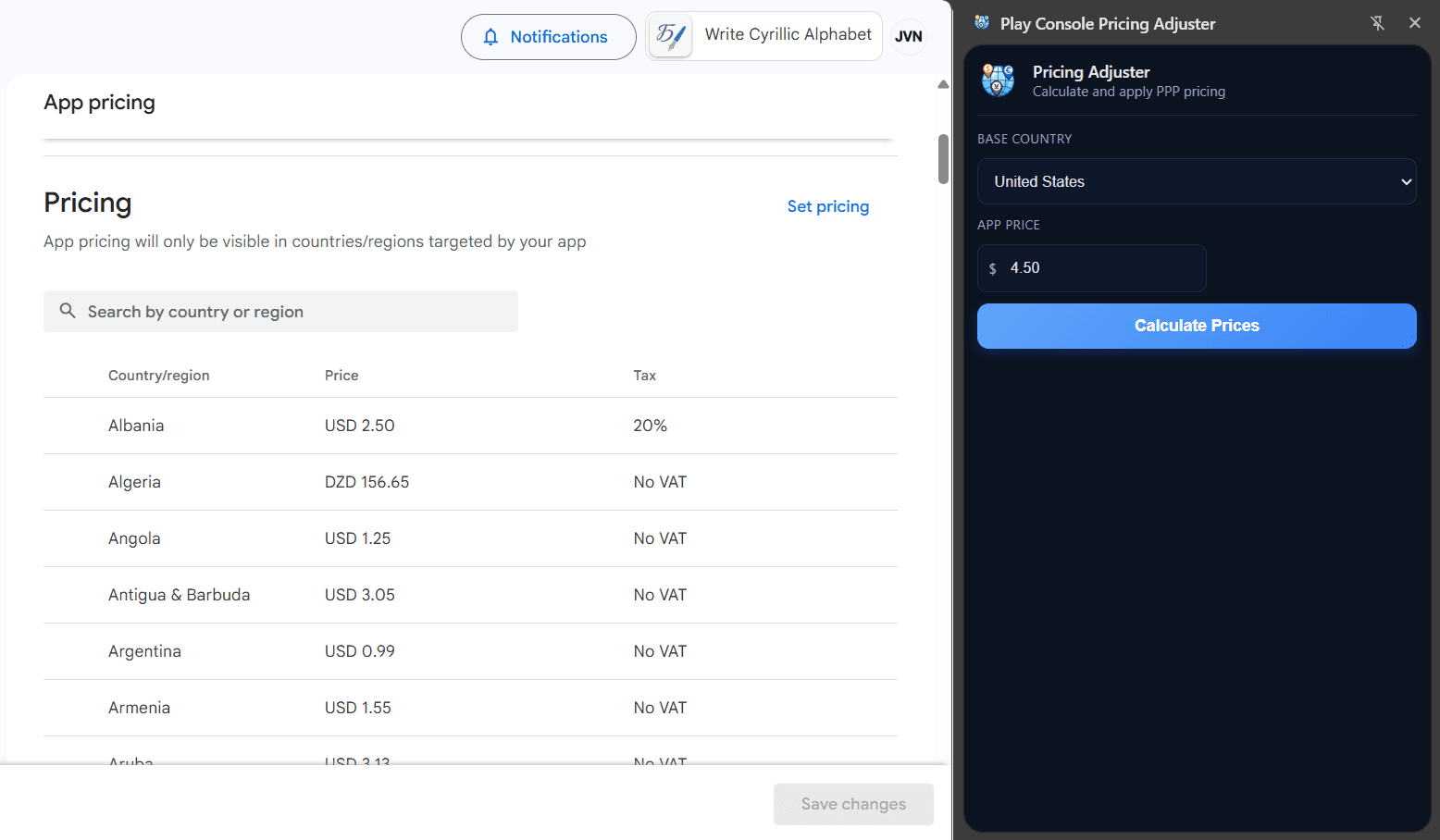
1. Open the extension inside Play Console
Navigate to your app’s pricing section in Google Play Console and open the Pricing Adjuster extension.
The extension runs directly inside Play Console — no external tools required.
2. Set your base price
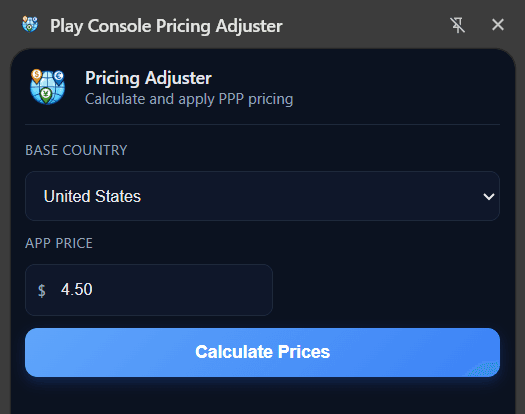
Choose your base country and define your primary market price.
This base price becomes the anchor for calculating fair regional adjustments.
3. We calculate PPP-adjusted prices
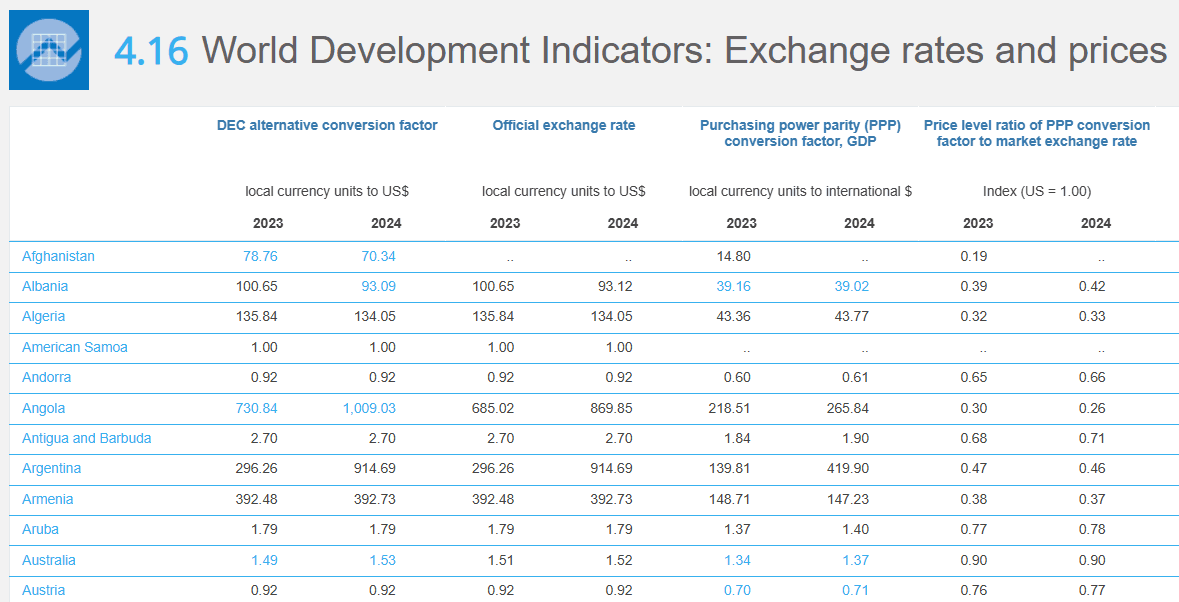
Prices are calculated using official World Bank Purchasing Power Parity (PPP) data combined with live exchange rates.
This ensures pricing reflects local purchasing power — not just currency conversion.
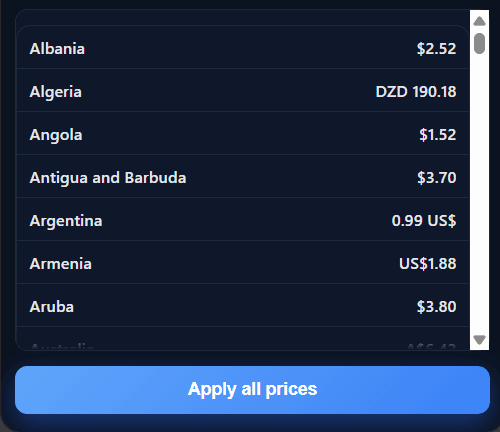
4. Review recommended country prices
All calculated prices are displayed by country before anything is applied.
You can adjust, exclude, or fine-tune any market individually.
You stay fully in control.
5. Apply prices directly in Play Console
Click Apply and recommended prices are written directly into Play Console.
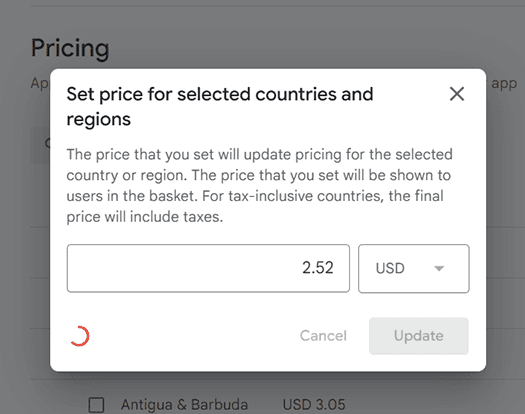
As there is no price setting API, all prices will be set through interaction with the Play Console site. Keep your tab open and wait until the process finishes.
No copy-pasting. No manual spreadsheets. No currency errors.